Product Configuration
Define supported product information required by the recipe.

Recipe Management
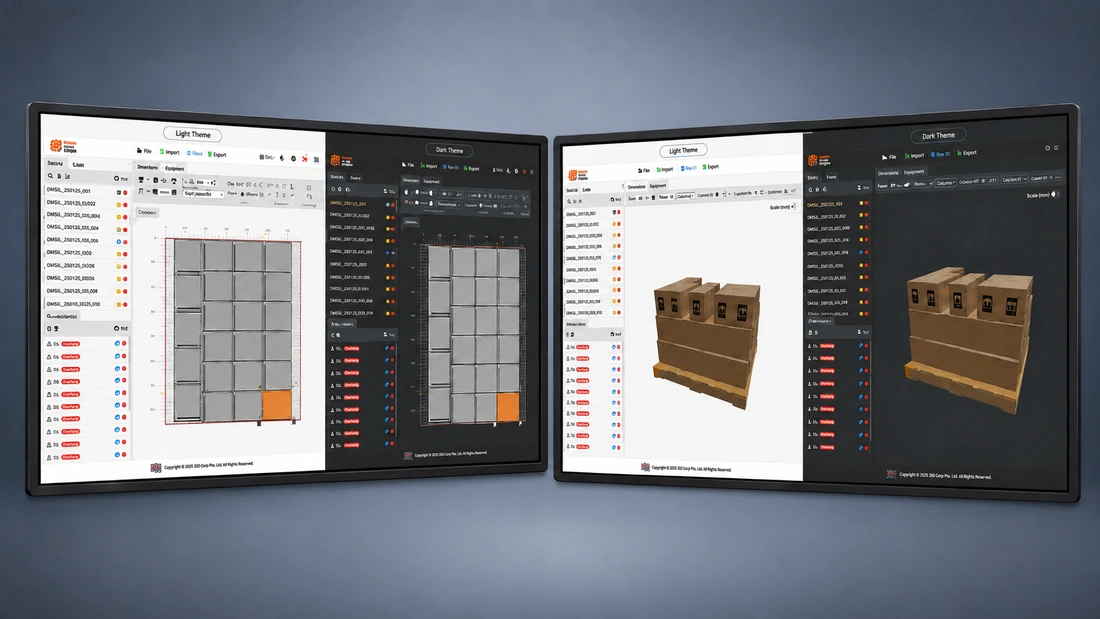
Infinite™ Recipe Designer provides a visual workflow for creating and managing supported palletizing and depalletizing recipes around product dimensions, pallet configuration, layer arrangement, and the requirements of the automation system.
Production Configuration
Recipe configuration determines how a supported automation system handles a particular product and pallet arrangement. Infinite™ Recipe Designer provides a visual way to work with that configuration instead of treating the recipe as a collection of disconnected machine parameters.
The workflow is designed around the recipe information required by the supported DPPS application.
A Controlled Path Into Production
Each stage keeps the product, pallet, pattern, and resulting system recipe connected in one understandable workflow.
Define supported product information required by the recipe.
Select or define the supported pallet configuration used by the application.
Arrange the product according to the pallet pattern and layer requirements supported by the system.
Review the resulting configuration before it is used by the automation system.
Make the approved recipe available to the supported DPPS system through the established workflow.
Infinite™ Recipe Designer
Pallet patterns are easier to understand when operators and engineers can work with the physical arrangement visually. Infinite™ Recipe Designer represents supported product and pallet configurations in a visual environment designed around the automation application.
Preview supported pallet patterns and the completed load arrangement before using the configuration in production. The visual simulation keeps configured product placement and layer arrangement available for review.
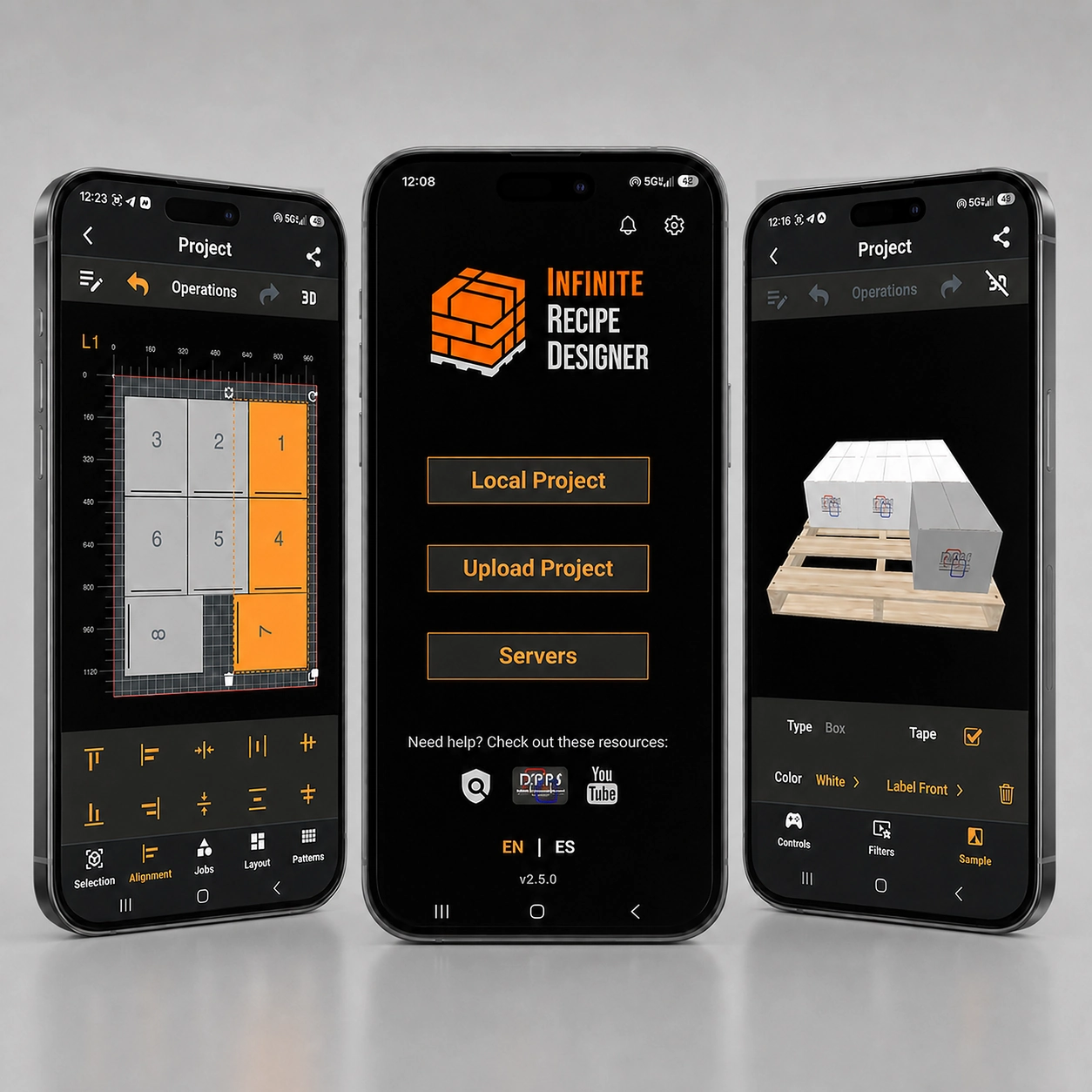
Supported Mobile Access
Recipe Designer Mobile gives users another way to open supported projects and inspect the interactive pallet simulation from a mobile device. Project creation and editing remain part of the primary Recipe Designer workflow.
Related Infinite Capability
Recipe management defines how the supported automation application should handle a product. The HMI then provides the operating interface and system visibility required when that recipe is used in production.
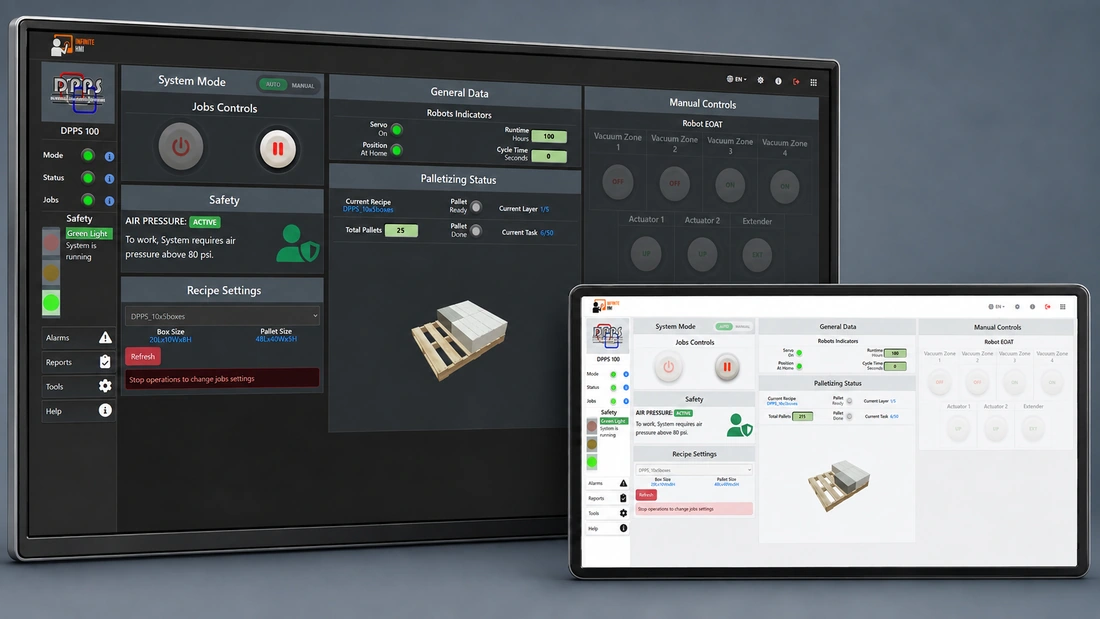
See how operators interact with the system and view supported machine information during production.
Explore Industrial HMI & Machine Monitoring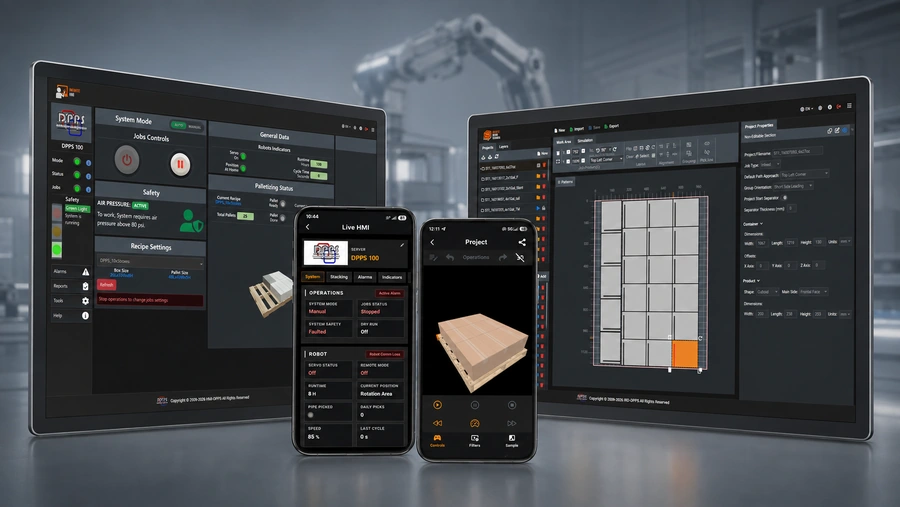
Review how supported operating information can be organized into production history and reporting.
Explore Production Monitoring & ReportingPhysical Automation Application
Infinite™ Recipe Designer is part of the software environment surrounding supported DPPS automation systems. Its purpose is to make recipe configuration and pallet pattern management more visual and practical within that automation workflow.
Explore DPPS Robotic Palletizing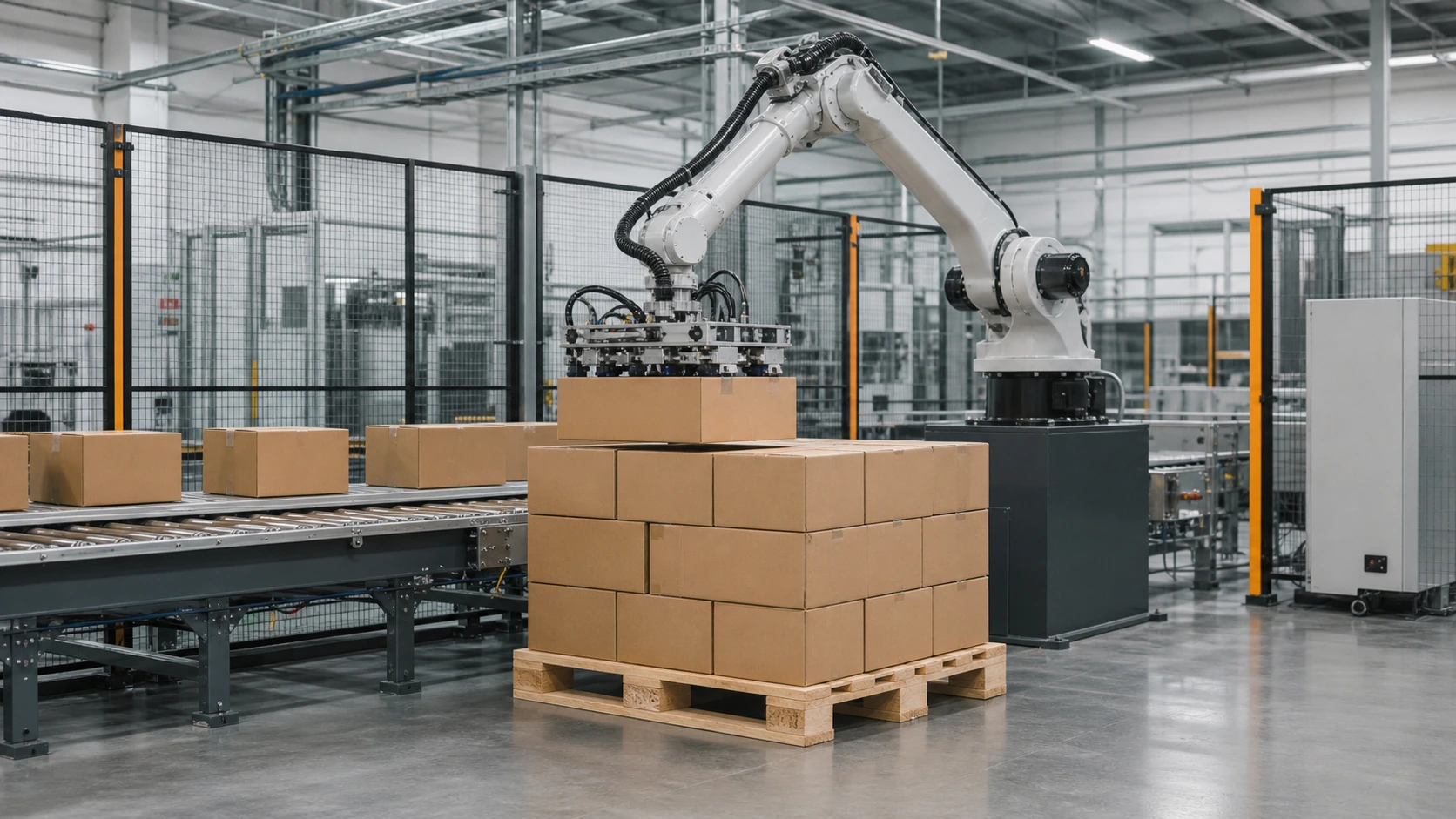
Configure With Clarity
Explore how Infinite™ Recipe Designer can support recipe and pallet-pattern workflows around a compatible DPPS automation system.
Discuss Infinite™